How to plan a legacy system replacement
Throwing your old screen into the sun doesn't replace your legacy system. Here's what does: audit, requirements, data migration, parallel running and change management.
1:01 Transcript below
Chapters
Buying a new system doesn’t replace the old one on its own. This short film walks through what does, from the audit and the requirements to moving the data, running both side by side and getting the team using it.
For the full version, read our guide on how to plan a legacy system replacement, or see how we handle legacy modernisation for clients.
Transcript
If you hurl your old screen into the sun and stick a shiny new one on the desk, you've replaced your legacy system.
But the second you switch it on, nothing's changed.
So you do a system audit and write down everything the old one does.
Now you've got a list of three hundred things, and half of them everyone hated.
So you turn that list into requirements, keeping what works and dropping what doesn't.
Now there's twenty years of data stuck in the old one.
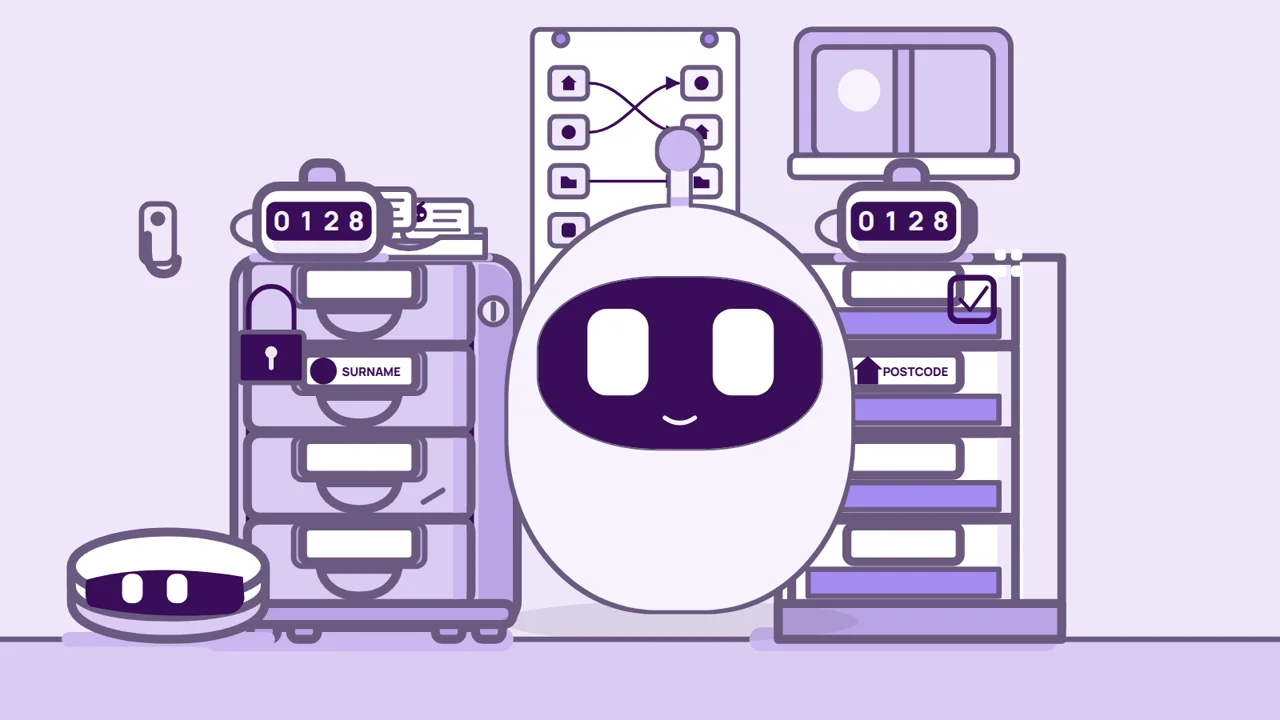
So you plan a data migration and test it on a copy first.
Now the whole office has to switch over in one go.
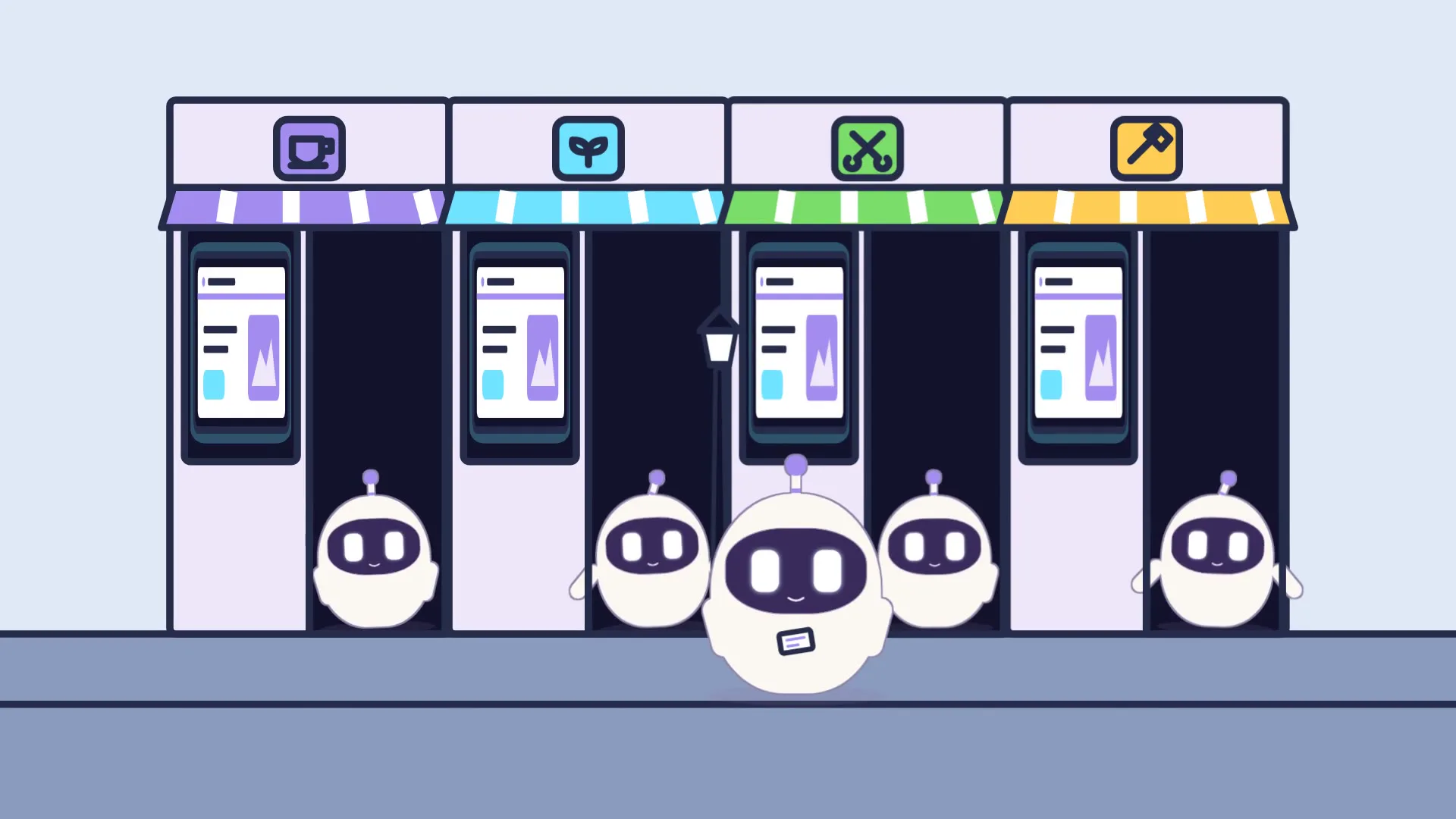
So you run the old and the new side by side, that's parallel running.
Now everyone's on a system nobody's shown them.
So you train the team on it with their own work before it goes live, that's change management.
Now nobody needs the old one.
Now you add a phone app, reports that send themselves and one login for everyone.
Congratulations, you've planned a legacy replacement.
More videos
-
 0:59
How to become a self-employed sales agent
Firing business cards down the high street doesn't make you a sales agent. Here's what does: an agent agreement, a price list, custom quotes, payment links and commission tracking.
-
1:05
Data migration plan: 6 steps so nothing goes missing
A 60-second cartoon guide to planning a data migration: cleansing, data mapping, a trial run, reconciliation and a rollback plan, so nothing gets lost.
-
1:45
Digital Royalty in under two minutes
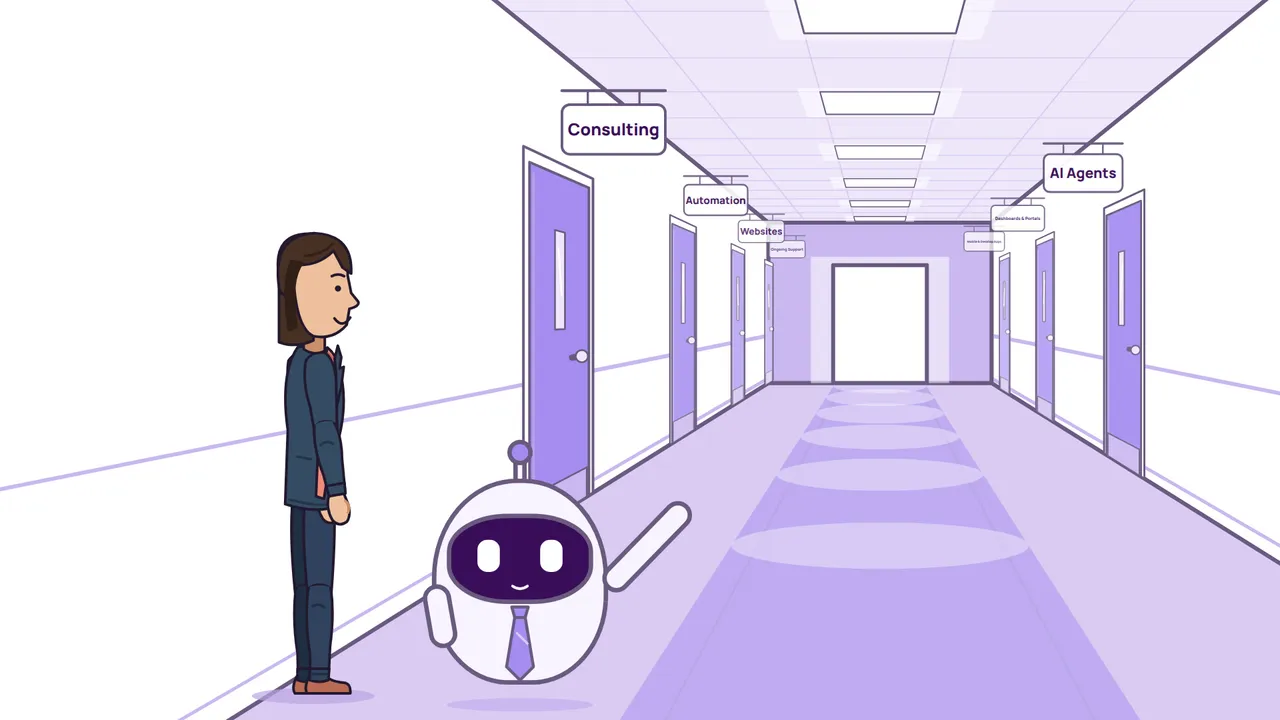
What Digital Royalty does, in the order we do it: consulting first, then AI agents, automation, dashboards and portals, websites, and mobile and desktop apps, and how we stay with you as technology changes.